Notifications aren't accidentally distracting — they're built to be
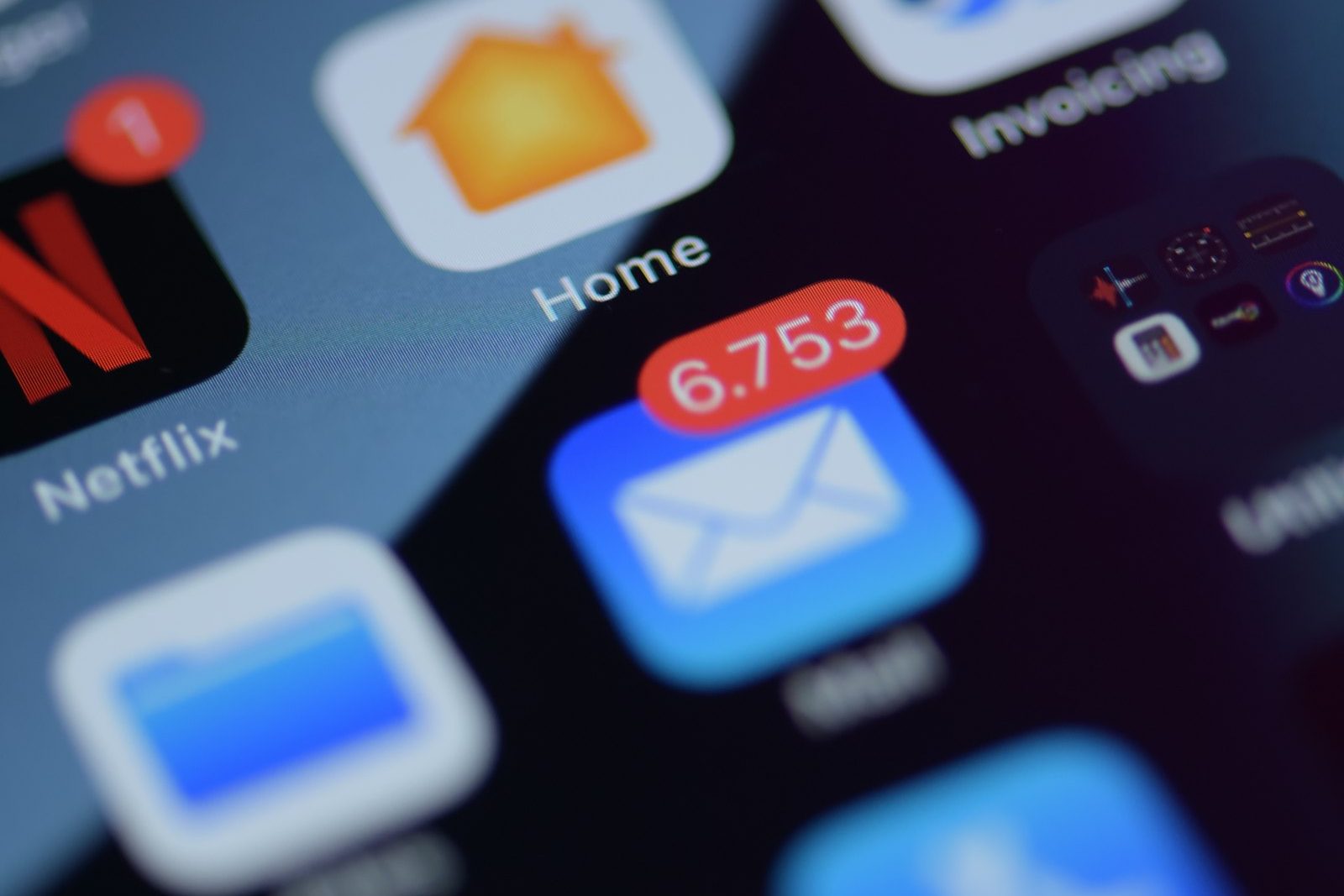 Photo by Brian J. Tromp on Unsplash
The instinct is to treat "my kid keeps checking their phone" as a willpower problem, theirs. It's worth separating that from the part that's actually a design problem: the red badge, the buzz, the banner that slides in mid-homework. None of that is incidental. It's built, tested, and iterated on specifically to get picked up.
What a recent study actually found
A UNC-Chapel Hill study tracked middle and high schoolers' phone use hour-by-hour over two weeks and found they spend nearly a third of the school day on their phones, checking dozens of times, with social media and entertainment making up over 70% of that time. The more interesting finding wasn't total time, though: it was that frequent checking itself, separate from how long each check lasted, was the behavior linked to weaker attention and impulse control. A kid who checks 40 times for a minute each is a different pattern than one who checks 4 times for ten minutes, and the frequent-checking pattern is the one that tracked with fragmented attention. (Telzer & Burnell, JAMA Network Open, March 12, 2026)
Why the design matters, not just the content
A notification badge is a variable reward cue, you don't know if it's something good until you check, which is exactly what makes it hard to ignore rather than easy. That mechanism isn't unique to any one app; it's a standard pattern across social platforms, games, and messaging apps because it reliably works. It works especially well on a still-developing prefrontal cortex, which is the part of the brain responsible for exactly the "ignore this, finish the thing in front of you" impulse control that the study measured.
The distinction worth making to a kid
Not all interruptions are equal, and treating them as one blob ("get off your phone") skips the more useful conversation. A text from a friend is a real thing to respond to. A "someone liked your post" badge is not, it's a hook with no actual urgency behind it, dressed up to feel the same as the text. Helping a kid tell those apart is a more durable skill than any single setting, because it's the thing that has to run when you're not the one holding the phone.
How do you reduce notification distraction?
- Turn off badges and banners for anything that isn't messaging: most phones let you mute the visual notification without muting the app entirely, so the content's still there when they open it on purpose.
- Batch, don't block: a scheduled quiet window (during homework, at meals) beats an all-day ban for sustainability; it teaches "there's a time for this," not "this is forbidden."
- Watch for re-engagement notifications specifically: "we miss you," "see what you missed", these exist purely to pull someone back who'd otherwise have stayed away, with no informational content at all.
A five-minute notification audit
Sit with your child's phone (or yours, first, to lead by example) and go through this:
- Open notification settings and sort apps by how often they interrupt.
- Turn off everything that isn't a person or a real deadline. Games, shops and "we miss you" nudges can go.
- Switch social apps to a digest or badge-only.
- Set do-not-disturb for homework and overnight so the phone stays quiet when it matters.
- Keep the phone out of arm's reach while studying.
Can screen time controls reduce notification checking?
Paxio can enforce the outer boundary, screen time limits, bedtime, app blocking during specific hours, so the phone physically isn't reachable during the window that matters most. It can't reach into an individual app's notification settings; that's a per-app, on-device setting only the phone's own settings menu controls, one your kid will get more out of understanding than having done for them.
Screen time limits, bedtime, and app blocking during specific hours enforce the boundary in the background while you work through the notification settings and the "is this actually urgent" conversation together.
Frequently asked questions
Do notifications hurt kids' attention?
Research points to frequent phone checking, not total screen time, as the pattern linked to weaker attention. Notifications are designed to trigger that checking.
How can I reduce distractions from notifications?
Turn off non-essential notifications, use do-not-disturb during homework and bedtime, and keep phones out of reach while studying.
Can a parental control app manage notifications?
It can limit when the phone and specific apps are usable, which reduces notification-driven checking, but notification settings themselves are set on the device.
See why families choose Paxio if a daily screen time limit is the fix you're after.