Finishing the app isn't the same as learning from it
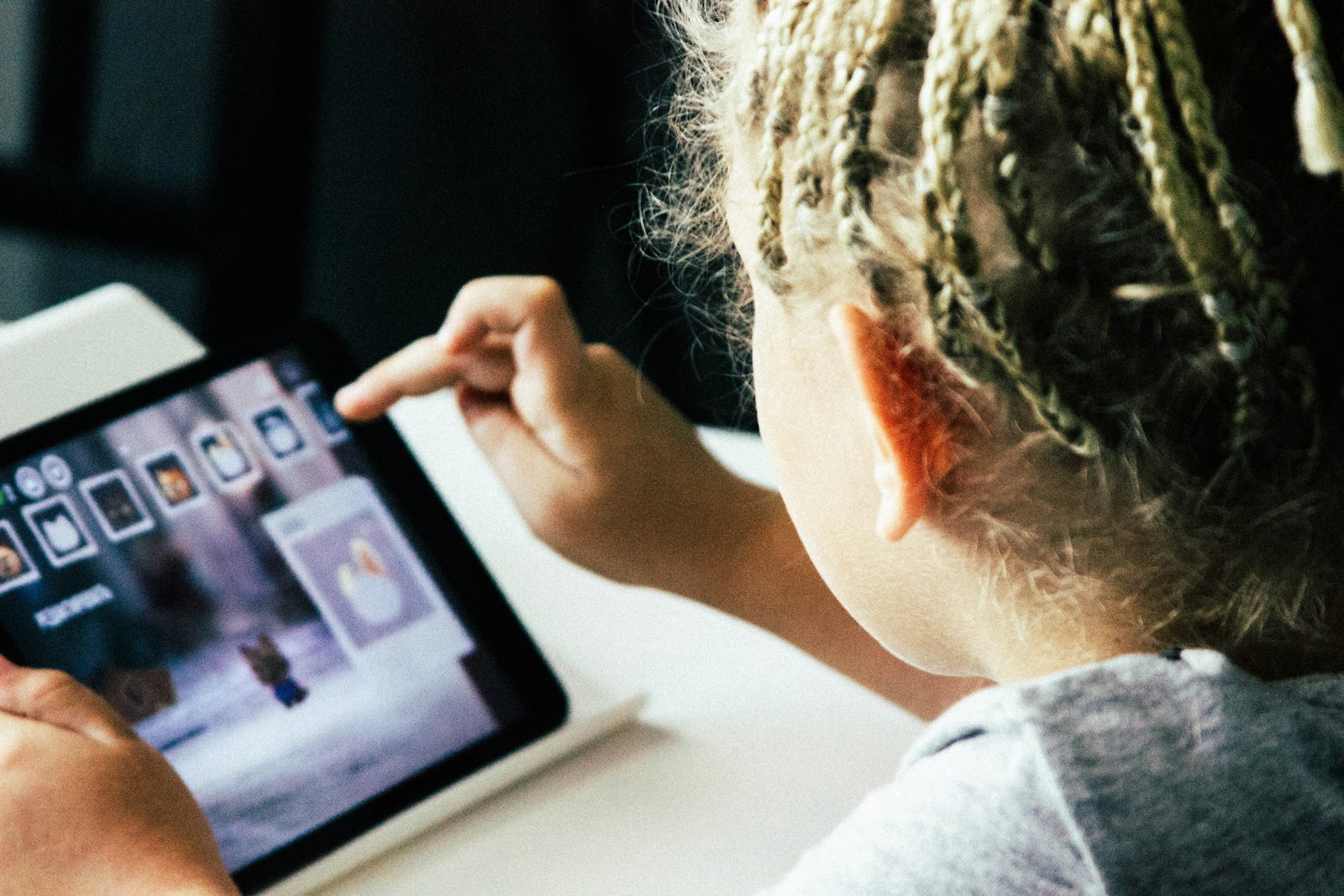 Photo by Igor Starkov on Unsplash
"Educational" is one of the most trusted words on an app store listing, right up there with "ad-free", and it's doing less work than it looks like. On September 3, 2026, the American Psychological Association published a report built specifically to test that word, and its central finding is blunt: a kid clicking through animations, collecting in-app rewards, and finishing a learning app is not evidence they learned anything. (APA, "Children's and Adolescents' Learning with Educational Technology," Sept 3, 2026)
What the report actually measured
The report covers kids and teens ages 5-18 and looks specifically at educational apps, games, tutoring software, and generative AI tools, not screens in general. Its core distinction is between engagement and learning: time spent, enjoyment, participation, and completion rates are the numbers an app can show you, but none of them are the same as whether a kid can actually use what the app was supposed to teach once the screen is off. As APA's Nicole Barnes put it, "all we're really saying is, if you're going to claim learning, you should prove it."
Why that's harder to notice than it sounds
An app that's genuinely working and an app that's just good at holding attention can look identical from across the room, both involve a kid staring at a screen, tapping, seemingly absorbed. The report's uncomfortable point is that gamification (badges, streaks, unlockable characters) is often optimized for the same thing a game is optimized for: getting picked back up tomorrow, not building a skill that survives past the app. Neither the child nor the parent watching over their shoulder can tell the difference just by looking.
How do you tell if an educational app works?
The report's recommendations translate into a few concrete habits:
- Close the app and ask: after a session, have your kid explain the concept or solve a similar problem without the app open. If they can't, the app was probably being engaging, not teaching.
- Watch what the time is actually going to: if more of the session goes to picking an avatar's outfit or watching a reward animation than to the actual material, that's a real signal, not a minor complaint.
- Be skeptical of "educational" as a label alone: the report specifically warns against trusting vendor-commissioned studies or marketing claims that outrun independent evidence, ask what a tool's own evaluation actually measured, not just what the app store category says.
Better questions than "did you finish it?"
Completion tells you very little about learning. Try asking things that require your child to use what they've seen:
- "Teach me one thing from it." Explaining to someone else is one of the best tests of understanding.
- "What was hard?" An app where nothing was hard may not have taught much.
- "Could you do that without the app?" Skills that transfer to paper, conversation or real problems are the real goal.
- "Would you have picked this if it didn't give stars?" It shows whether the reward or the content is the draw.
How does screen time control fit with educational apps?
Paxio can't tell you whether a specific app is actually teaching your kid anything, that's a judgment about the app's content and design, not something a device-level tool can evaluate.
What the reports screen can do is show you which apps are actually getting the time, so when you're deciding whether that "educational" app deserves the hour it's getting, you're working from what's really happening on the device, not what the app store listing promised.
Frequently asked questions
Do educational apps actually help kids learn?
Some do, but finishing levels, spending time or enjoying an app isn't the same as learning. Judge an app by what your child can explain or do afterwards.
How do I know if an educational app is working?
Ask your child to teach you something from it, watch whether skills transfer to schoolwork, and be wary of apps built around streaks and rewards more than understanding.
Should educational app time count towards screen time?
It's a family decision. Many parents give educational use a separate allowance, but the same checks on quality still apply.
See why families choose Paxio if you want real usage data instead of guessing which apps get used.