Everything, in one glance
Today's usage ring, a pending-request banner, and four one-tap shortcuts to Internet, Sleep timer, App blocker and Content filter. It's the first screen you see — and usually the last one you need to open.
More on the Parent dashboard →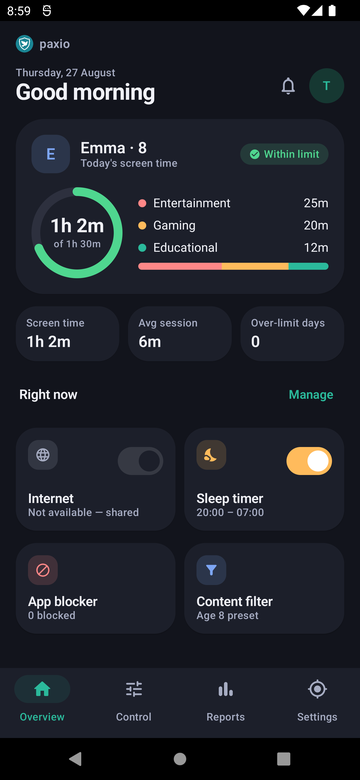
A daily number that just works
Set a cap in 15-minute steps and it enforces itself — no reminders needed, no manual check-ins.
More on Screen time limit →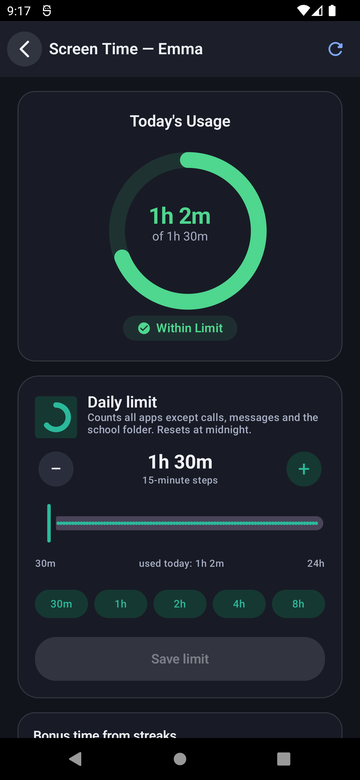
A reward that grows automatically (Pro)
Staying under the daily limit for a run of days earns bonus minutes automatically — +15 at 3 days, +30 at 7 days, +45 at 15 days, and +60 at 30 days. No parent approval needed for the bonus itself; it's a positive reward for consistency, not just a restriction.
Choose the apps, not the arguments
Every installed app, Allowed or Blocked at a tap, with its own optional per-app time limit — so a game can be capped without touching the overall daily budget. Phone and Contacts always stay reachable.
More on App blocking →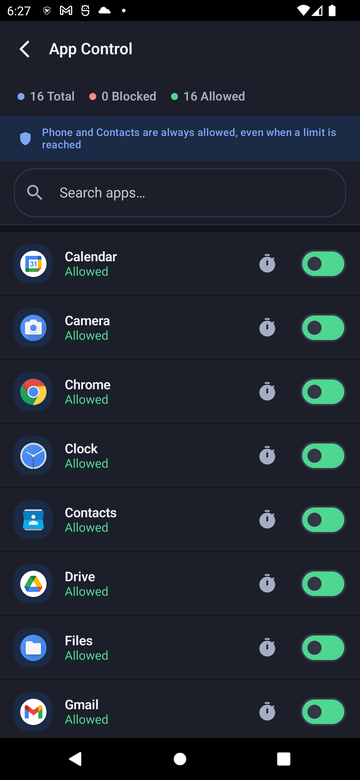
The internet, minus the parts you don't want
Age presets set every category at once, or fine-tune any of 15 individually — adult content, gambling, violence and more. Filtered entirely on-device: nothing ever leaves the phone or reaches a Paxio server.
More on Content filtering →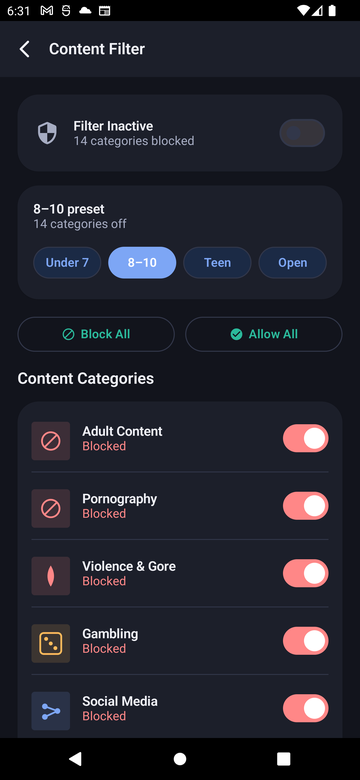
Bedtime that enforces itself (Pro)
A common sleep and wake time, applied on the days you choose. At the sleep time, everything but calls goes quiet until morning — a kid who hasn't hit their daily limit still can't be on the phone at 1am.
More on Bedtime schedule →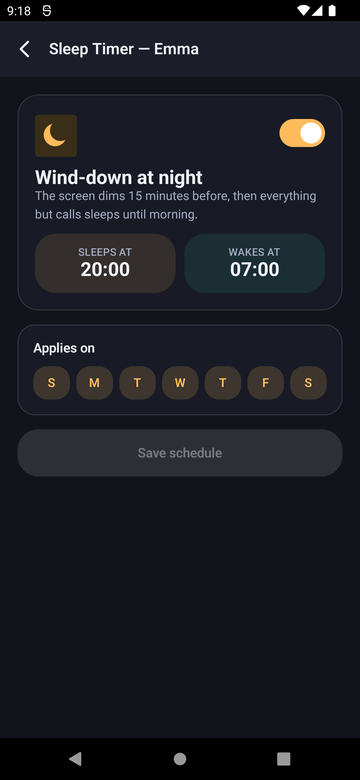
Disable internet in one tap (Pro)
A master switch plus quick presets — 30 minutes, an hour, or Dinner — for disabling the internet outright, without touching any other limit. Calls and texts keep working, since they run over the carrier network, not data.
More on Internet pause →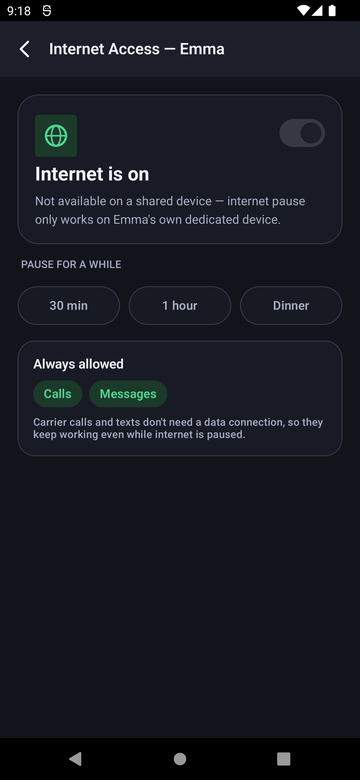
What your kid sees matters just as much
A countdown ring for time left today and a 7-day streak row — not a list of restrictions to push back against, just today's picture. Switching back to the parent view needs the PIN, so picking up the phone doesn't hand over the whole dashboard.
More on the Child dashboard →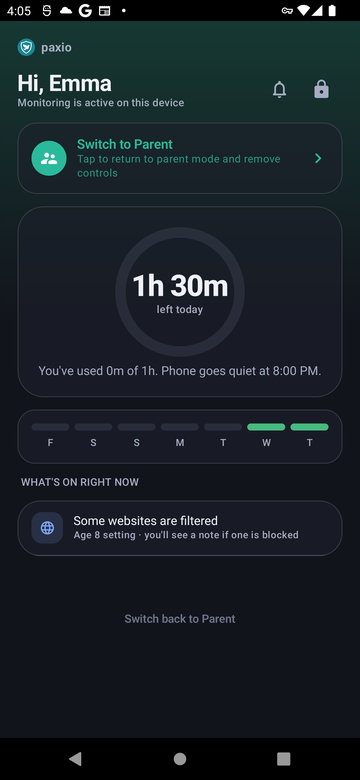
The full picture, whenever you want it
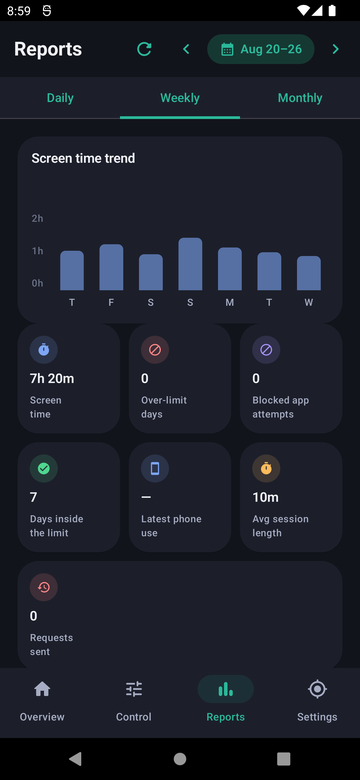
Daily, Weekly, or Monthly views, each with a usage trend chart and seven stat tiles — screen time, over-limit days, blocked-app attempts, average session length, and requests sent. Plus a weekly recap emailed to you automatically, so you don't even need to open the app to stay in the loop.
More on the Reports screen →