What actually happens when you set a bedtime schedule on your kid's phone
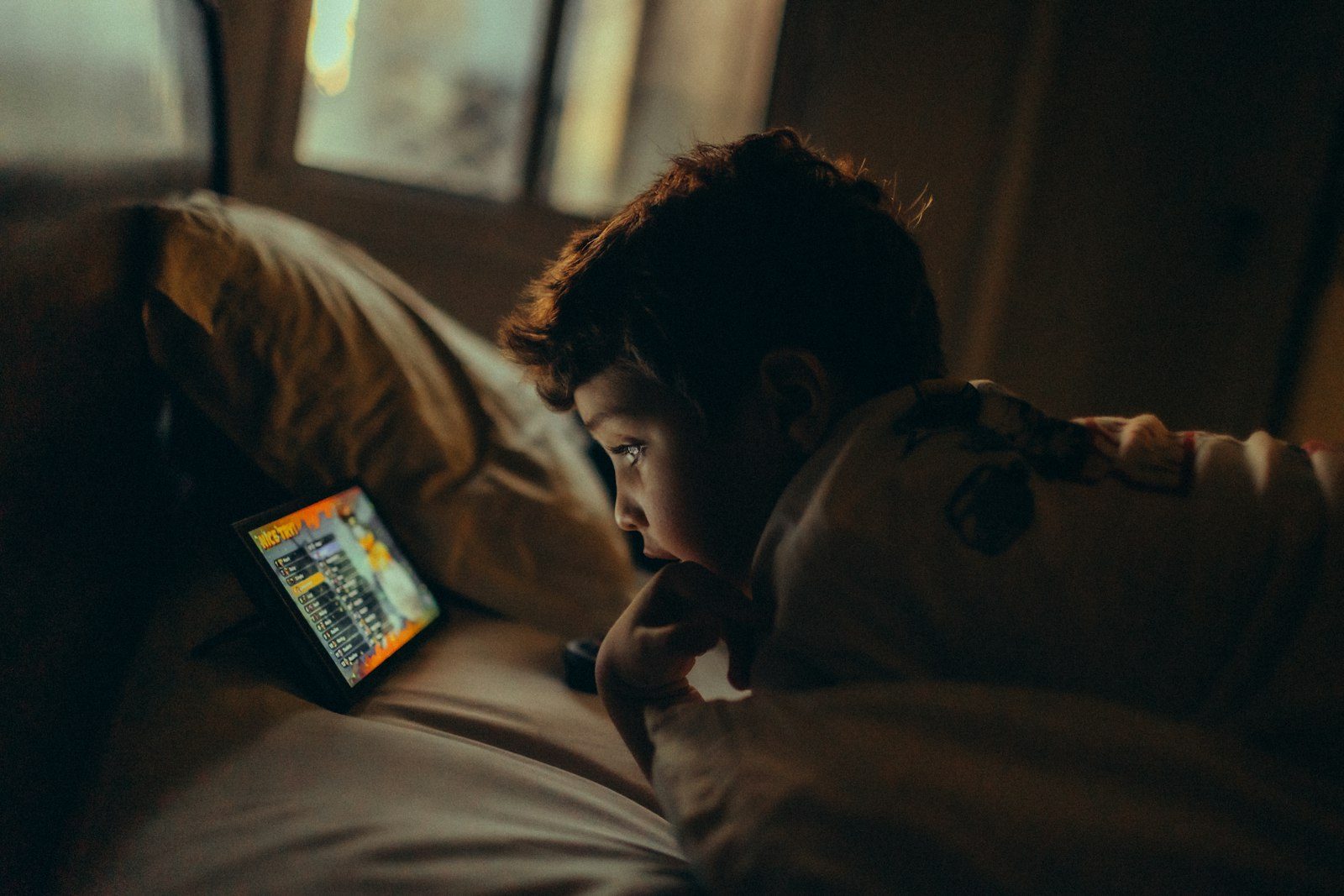 Photo by Helena Lopes on Unsplash
"Set a bedtime" sounds like a single toggle. In practice, most parents hit a few real questions the first time: does it lock the whole phone or just some apps, what happens mid-homework, and does it actually run every night without you remembering to turn it on.
Why this is worth getting right, not just set-and-forget
Teens with high daily screen time report depression symptoms at nearly three times the rate of teens without it (25.9% vs. 9.5%), and anxiety symptoms at more than double (27.1% vs. 12.3%), per a CDC-published national survey analysis. Screen use before bed also delays sleep onset and disrupts circadian timing directly. (CDC, Preventing Chronic Disease, July 2025) A bedtime boundary that actually runs, reliably, is worth the ten minutes it takes to configure properly.
It's a window, not a moment
A bedtime schedule is a start hour and an end hour, say 9pm to 7am, not a single "lights out" instant. A 9pm-7am lock and a 9pm-6am lock look identical at 9pm but very different at 6:30am, when the phone unlocks itself an hour early. Set the end time to when you actually want it usable again, not a round number.
Which days it applies to is a real decision
Every day including weekends is a different policy than school-nights-only, worth deciding on purpose rather than defaulting to "every day" and then fighting about Fridays. Most tools let you pick specific days for exactly this reason.
Keep the one-off timer separate from the recurring schedule
A one-time lock for homework or dinner is a different tool than the nightly bedtime. Baking "homework hour" into a permanent 9-7 window means extending bedtime itself every time homework runs long. A separate one-off timer for ad-hoc stuff, a recurring schedule for actual sleep: less fragile than one setting doing both jobs.
What it does and doesn't stop
A device-level lock stops the phone entirely during the window, not selective app blocking. That's the right call for sleep, but it means an alarm or white-noise app won't keep working through the lock unless the tool specifically carves out an exception.
Does it survive a reboot
The real failure mode isn't the schedule itself. It's the schedule silently not running after a restart or update, while you assume it's still covered. Worth an occasional spot check.
How to pick the right bedtime window
The best schedule is the one your child can live with, so set it around real routines rather than an ideal:
- Work backwards from the wake-up time. Children need different amounts of sleep, so count back from school start, allow for breakfast and travel, and leave a wind-down buffer before lights out.
- Start the lock a little before sleep, not at it. A phone that goes quiet 30 minutes before bed supports falling asleep instead of cutting off a conversation mid-sentence.
- Treat weekends deliberately. Either keep the same window, which protects the sleep rhythm, or choose a later one and say so.
- Charge phones outside the bedroom. A bedtime lock helps most when the device isn't sitting on the pillow.
- Review at every school term. Exams, sports and age all shift what's sensible.
How does Paxio's bedtime schedule work?
Paxio's bedtime is exactly this: a recurring lock with start/end hour and a day-of-week picker, plus a separate one-off Sleep Timer. Free on every account, alongside screen time limits, app blocking, and content filtering, all free for one child.
Frequently asked questions
What does a bedtime schedule do on a kid's phone?
It quiets the phone during a recurring nightly window, for example 9pm to 7am, with calls still going through, regardless of how much of the daily screen time limit is left.
Is a bedtime lock different from a screen time limit?
Yes. A daily limit caps total use, while a bedtime schedule blocks use during specific hours even if the daily allowance is unused.
Can my child bypass the bedtime lock?
Changing the schedule requires the parent PIN. Like any consumer app it can't promise to be unbeatable, but it raises the effort from one tap to deliberate work.
See why families choose Paxio for the bigger picture beyond just bedtime.