Autoplay and the "one more video" loop: why stopping is the hard part
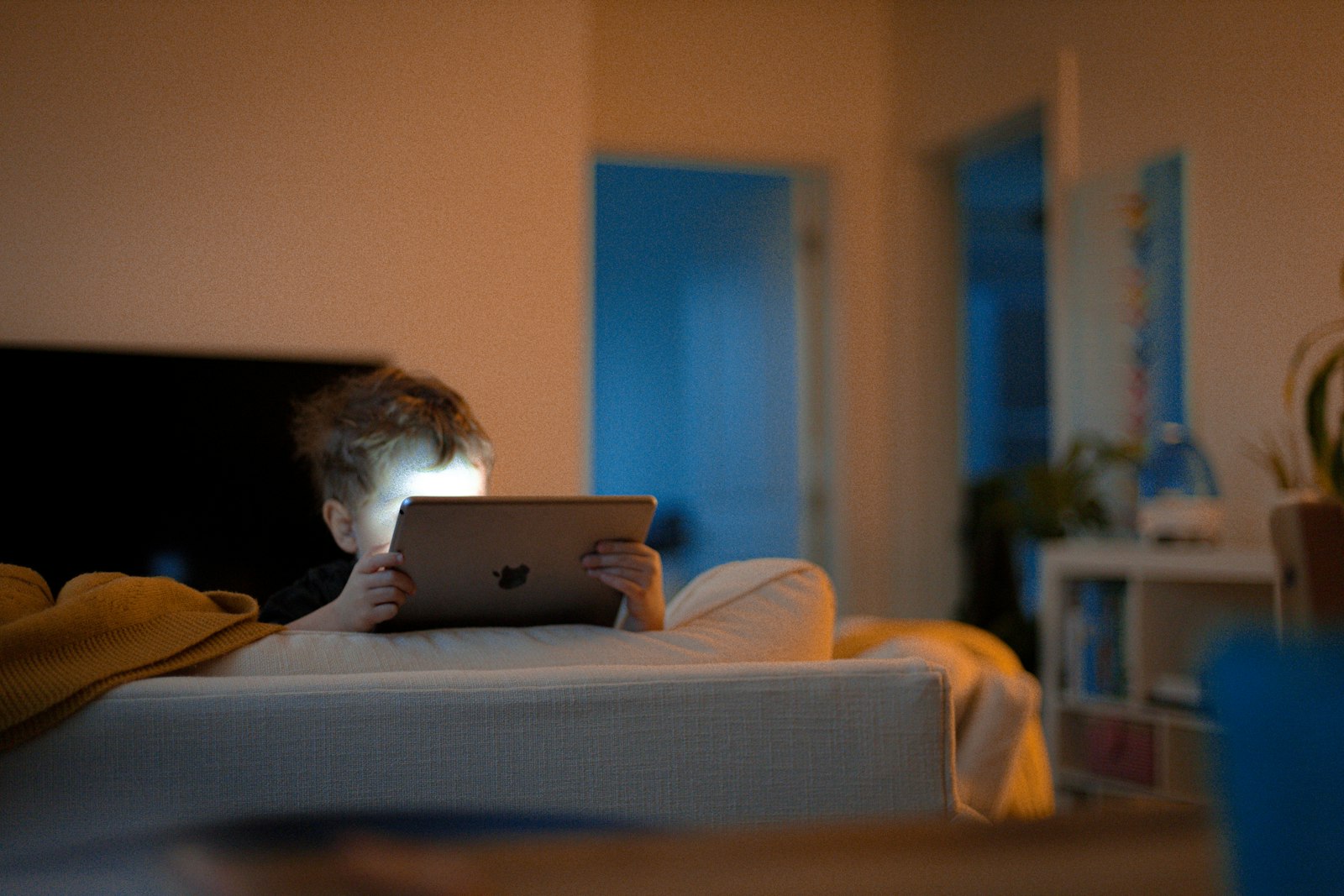 Photo by Nils Huenerfuerst on Unsplash
"Five more minutes" is rarely a kid being defiant. It's usually a kid who sat down to watch one video, and forty minutes later is still watching — without having chosen to keep going even once. That's worth separating from the willpower story, because the mechanism is a design decision, not a character flaw.
How does autoplay make kids watch more?
For most of TV's history, every show ended, and the ending was a natural exit: credits, a channel change, a moment where someone had to decide to keep going. Autoplay flips that. The default is now continue, and stopping is the action that takes effort — you have to notice the countdown, decide, and tap before it runs out. Behavioral researchers call this a default effect: people tend to stick with whatever happens if they do nothing, and autoplay makes "watch the next one" the do-nothing option.
Why is autoplay harder for kids to resist?
Impulse control and the ability to step back and think "wait, I meant to stop" are still developing well into the teens. An adult can sometimes catch themselves mid-scroll. A ten-year-old is being asked to override a well-engineered default with a skill that isn't fully built yet. Add that the next video is chosen by a recommendation system tuned to keep people watching, not to match what your kid intended to watch, and the "one more" loop isn't really a loop they're steering.
How do you stop the one-more-video loop?
- Turn autoplay off where you can. It's a setting in most video apps, and it restores the natural stopping point. On some kids' accounts it can be locked so it stays off.
- Agree on the stopping point before starting, not mid-video: "two episodes" or "until dinner" is easier to honor than "stop now" at minute thirty-eight.
- Give a warning that isn't a surprise. A ten-minute heads-up works better than pulling the plug, which turns a design problem into a family argument.
- Watch for the shift from choosing to drifting. Kids who are picking something specific are in a different place than kids passively working through a feed.
A simple routine for ending screen time without a fight
The stopping point works best when it is built into the routine instead of decided in the moment. A pattern many families find workable:
- Set the endpoint at the start. "Two episodes" or "until dinner" is agreed before the first video plays.
- Give one heads-up. Ten minutes before, and again at the last video, so the end never arrives as a surprise.
- Use the same signal every day. A timer, a dinner call or a family phrase makes stopping feel like part of the day, not a punishment.
- Plan what comes next. Stopping is easier when something is waiting: a snack, outside time, a game with a sibling.
If a child still can't stop even with this in place, treat it as information about the app, not a discipline failure. Some apps are built so that stopping is hard for everyone.
Where else does autoplay hide?
Video apps are the obvious place, but the same design turns up elsewhere: streaming services that roll straight into the next episode, short-video feeds that never end, and games that auto-start the next level or match. It is worth checking the settings in each app your child uses most, and it helps to ask your child which app they find hardest to put down. Their answer usually points to where the loop is strongest.
Can Paxio stop autoplay?
Paxio can't turn off autoplay inside another app — that setting lives in the app itself, and you'll need to change it there. What it can do is act as the backstop when the in-app default wins anyway: a daily screen time limit (or, on Paxio Pro, a per-app time limit) ends the session at a point you set in advance, so the stopping decision isn't left to your kid's willpower in the moment.
Paxio's screen time limit is there for the moment the loop wins, so you're not the one who has to be the "off" button every time.
Frequently asked questions
What is autoplay and why is it a problem for kids?
Autoplay starts the next video automatically when one ends, so continuing becomes the default and stopping takes effort. Kids are still developing impulse control, so they are less able to override that default.
How do I turn off autoplay for my child?
Most video apps have an Autoplay toggle in the player or in Settings. The exact place varies by app, and some kids' or supervised accounts let a parent lock it off.
Can a parental control app turn off autoplay?
No, autoplay is a setting inside each app. A parental control app can still end the session with a daily screen time limit, so the stopping point doesn't depend on your child's willpower.