Fake app clones: how a copycat gets millions of downloads before anyone notices
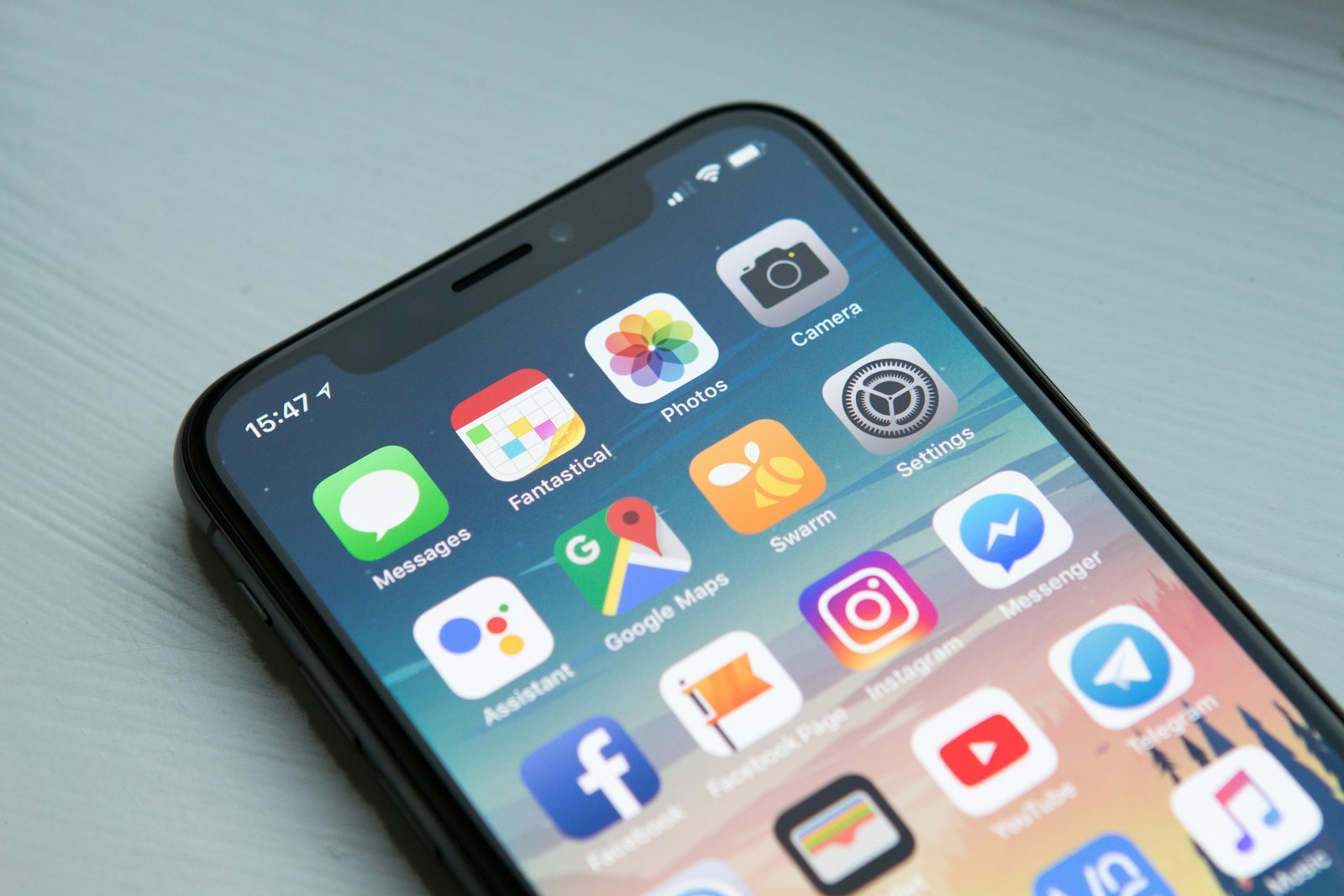 Photo by William Hook on Unsplash
A kid looking for a new game or a "free skin pack" app doesn't check who published it, they check whether the icon looks right and whether it has a decent star rating. That's a reasonable way to judge an app. It's also exactly what a convincing clone is built to pass. This isn't a kid-judgment problem; it's a mobile-specific one, because an app store is the one place software gets judged almost entirely on how it looks in a small grid of icons before anyone opens it.
How big this actually gets before it's caught
In May 2026, security researchers at ESET uncovered a campaign they named "CallPhantom": 28 Android apps on Google Play that claimed to show anyone's call history, texts, and WhatsApp logs for a fee. The data was fake, generated by the app itself. Google removed all 28 apps, but not before they'd been downloaded more than 7.3 million times combined, with one single app responsible for over 3 million of those. (ESET WeLiveSecurity, "Fake call logs, real payments: How CallPhantom tricks Android users," May 2026)
Worth sitting with: these weren't sideloaded apps from a sketchy website. They sat in the official Play Store, passing Google's own review process, long enough to rack up millions of installs. If official app store review can miss it for months, a kid skimming search results for a free game mod was never the actual failure point.
Why cloning works so well on a phone
A phone screen shows an icon, a name, and a star rating, not much else before you tap "Install." There's no address bar to inspect, no easy way to see who actually built it, and an icon at thumbnail size is trivial to copy pixel-for-pixel. The same trick works just as well for a fake "Minecraft skin pack" or a fake "Roblox executor" as it does for a fake call-log app: same mechanism, different bait, and the bait that reaches kids is almost always framed around a free game or in-app currency.
How do you spot a fake app before installing?
- Check the publisher name, not just the icon: tap through to the developer's name on the listing. A copycat's name is usually slightly off, with no other apps published under it.
- Read the most recent reviews, not the average rating: a fake app can rack up early positive reviews before word gets out; the last few weeks are more honest than the overall star count.
- Be skeptical of anything promising free premium currency, unlocks, or "hacks": the exact bait behind the Minecraft and Roblox clone campaigns, and a stronger warning sign than anything about how the app looks.
- Weigh install count against review count: millions of downloads with almost no reviews, or reviews that all sound alike, is a pattern worth pausing on.
A 60-second pre-install checklist
Before your child installs anything they asked for by name, check these together:
- Developer name: is it the company you'd expect?
- Download and review counts: a supposedly popular app with few reviews is suspicious.
- Recent reviews: read the low ones, since they often describe what goes wrong.
- Permissions and ads: does a simple game need your contacts or microphone? Paxio's free App Checker lays these out for any Play Store listing.
- Last updated: abandoned apps stop getting security fixes.
Can a parental control app stop fake app installs?
App blocking works after the fact: once a fake app is identified, it can be blocked from running on your child's device. It can't retroactively vet an app your kid is about to install for the first time; there's no database that flags a brand-new clone the moment it appears. The publisher-name and recent-reviews check above is the step that happens before anything reaches the device at all.
Paxio's App Control lets you see what's actually installed on your child's device and block anything you don't recognize, which matters most for exactly this kind of app: the one that looked legitimate enough to install in the first place.
Frequently asked questions
How can I tell if an app is a fake clone?
Check the developer name, the number of reviews against the download count, the last update date and the permissions it requests. A popular app from an unknown publisher deserves a second look. If you have the app's file rather than a store link, how Android app signing works explains how the signing certificate gives away a repackaged copy.
Can fake apps get into the Google Play Store?
Yes. Copycat apps have collected large numbers of downloads before being removed, so store presence alone is not proof of safety.
How do I check an app before my kid installs it?
Look up its Play Store page for the developer, permissions, ads and privacy policy. Paxio's free App Checker shows those details for any app from a Play Store link.
See why families choose Paxio for ongoing protection beyond checking one app before install.