QR code scams work because of how phones handle them — not because kids are careless
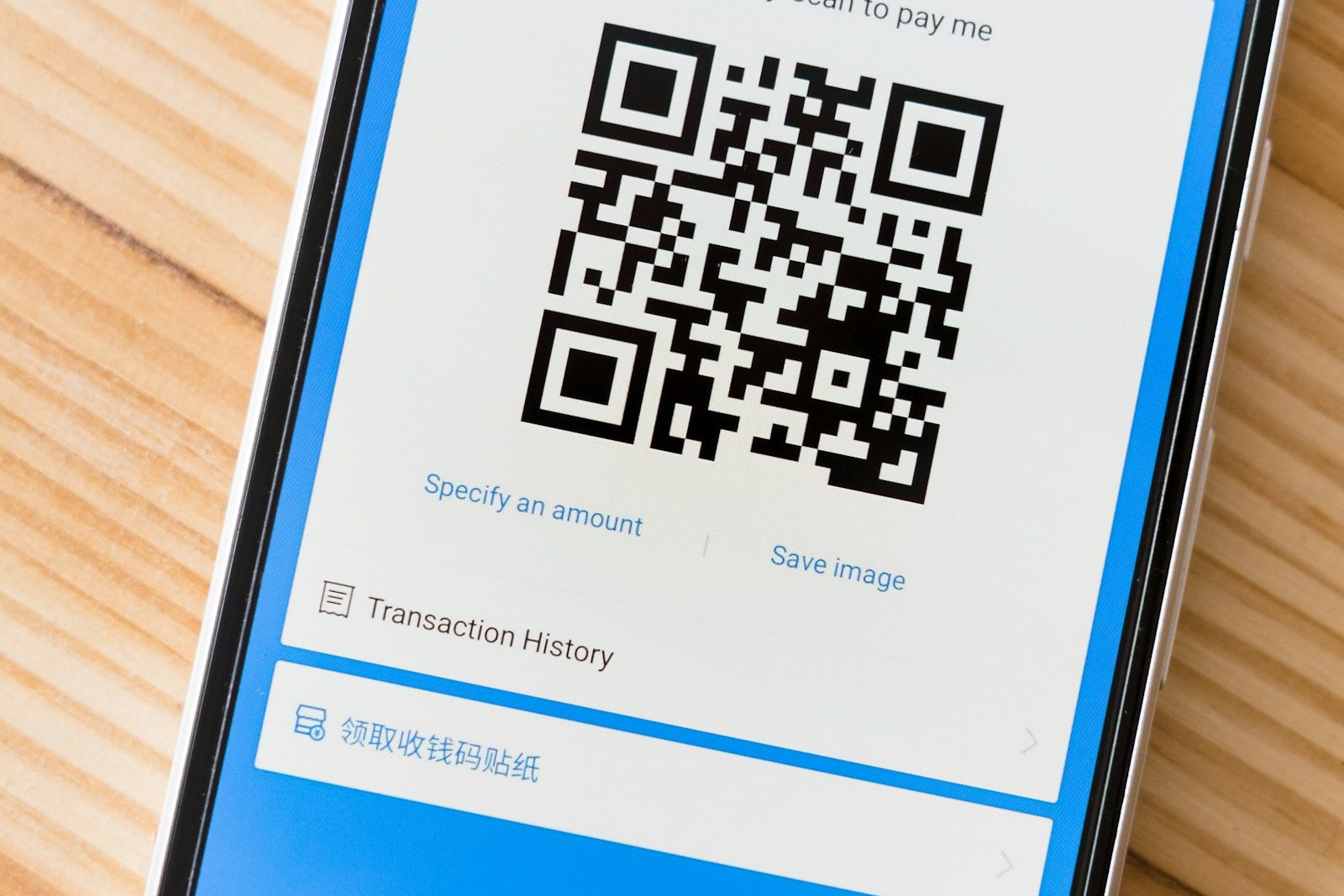 Photo by Markus Winkler on Unsplash
A text link at least shows you something, a string of characters you can glance at and think "that doesn't look like Amazon." A QR code shows you nothing. Point a phone camera at it and the destination opens with a single tap, no address bar to check first. That's not a design flaw kids are especially bad at noticing (adults miss it too), it's just how the format works, and it's a genuinely mobile-specific problem: QR codes are built for a phone camera to scan on the spot, not something you'd run into the same way on a laptop.
What the FBI is actually warning about
In July 2025, the FBI's Internet Crime Complaint Center warned about a specific version of this: criminals mailing unsolicited packages, no return address, nothing ordered, with a QR code on the label. Scanning it asks for payment information or quietly installs malware. The FBI's own language is worth noting: this scheme isn't yet as widespread as other fraud, but it's real enough for a formal advisory, and it previews the same trick showing up anywhere a code can be printed: parking meters, flyers, even taped over a legitimate one. (FBI IC3, "Unsolicited Packages Containing QR Codes Used to Initiate Fraud Schemes," July 31, 2025)
Why this lands differently on a kid's phone
A kid scanning a code someone handed them, or one in a group chat, doesn't have years of "does this link look right" instinct that catches a lot of desktop phishing, and because the code hides its destination until after the tap, that instinct wouldn't fully help anyway. The habit that transfers instead: treat an unfamiliar QR code like an unfamiliar link from a stranger, suspicious by default.
How do you avoid QR code scams?
- Most phone cameras show a link preview before opening it: a small pop-up with the destination appears for a second before the browser launches. Reading it, instead of tapping through automatically, is the actual safety check.
- Be specifically wary of QR codes on unsolicited mail or packages: this is the exact scheme the FBI flagged; "I didn't order this" is a stronger signal than anything about how the code itself looks.
- A code stuck over another one is a real tactic: on parking meters and posted flyers, scammers sometimes paste a fake code directly on top of a legitimate one. A code that looks like a sticker rather than printed material is worth a second look.
- Treat it like any other unverified link: same rule as a text from an unknown number, verify through a source you already trust before entering anything.
What to teach kids about QR codes, in three lines
Children remember short rules better than long explanations. Something like this works well:
- Read the preview. Your camera shows where the code leads before it opens. If it looks odd or shortened, don't tap.
- Never log in or pay after a scan you didn't plan. Real menus and tickets don't need your password.
- If in doubt, type the address yourself or ask a grown-up.
It also helps to talk through where codes are genuinely useful, such as restaurant menus and event tickets, so the message is "be careful", not "avoid everything".
Can a parental control app stop QR code scams?
Content filtering blocks known-malicious domains at the DNS level, which covers a QR code that resolves to a site already flagged as bad. It can't do anything about a code that just asks someone to type personal information into a legitimate-looking form; there's no bad domain to block there. The "read the preview before tapping" habit above is the part no device setting replaces.
Content filtering in Paxio runs the DNS-level protection above in the background while you build the rest of the habit with your kid.
Frequently asked questions
How do QR code scams work?
A QR code hides the link it points to, so a scammer can send people to a fake login or payment page that looks legitimate.
Are QR codes on packages or posters safe to scan?
Treat unexpected ones with the same suspicion as an unknown link. If you didn't order the package or expect the poster, don't scan it.
How can I protect my child from QR code scams?
Teach them to check where a code leads before opening it, and use content filtering to block known risky categories of sites.
See why families choose Paxio for the broader set of controls beyond scam-site filtering.