Parental control apps that don't track your kid's location — what to look for
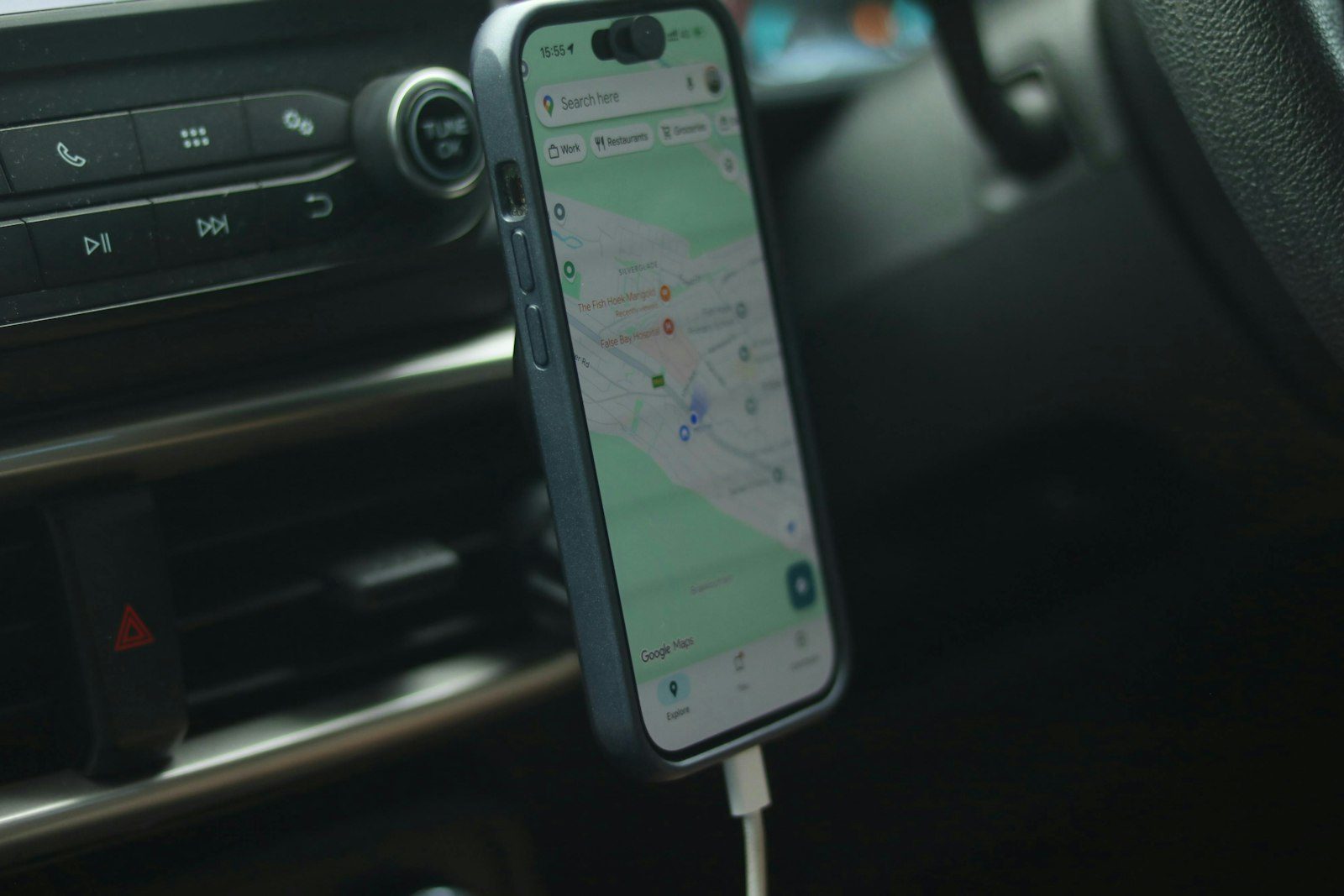 Photo by Alicia Christin Gerald on Unsplash
Most parental control apps you'll find in the Play Store lead with the same pitch: screen time limits, app blocking, maybe a "see what they're doing" dashboard. Then, a few screens into setup, they ask for background location access. Not because a 9-year-old's phone location is the point — it's because it's easy to build, easy to demo, and easy to sell as a feature.
If you're a parent trying to manage screen time and content, not run a tracking operation, it's worth pausing on that. Here's what to actually look at before you install anything.
The permission tells you more than the marketing page does
App store descriptions are written to sound reassuring. Permissions are not. Before installing any parental control app, check what it actually asks for on setup:
- Background location ("Allow all the time") is the one to watch for. If an app requests this and location tracking isn't the headline feature you're looking for, ask why it needs it.
- Accessibility Service access is legitimate for app blocking (it's how the app sees what's running in the foreground) — but it's also broad enough to read on-screen content if the app chooses to. Legitimate use is narrow and specific; check whether the app's privacy policy actually says what it does with that access.
- Microphone or camera access has no reasonable place in a screen-time or content-filtering app. If you see it requested, that's a hard stop.
A permission by itself isn't proof of misuse — but it's the one part of the install flow that isn't marketing copy, so it's the part worth actually reading.
Why "just in case" location tracking is a bigger deal than it sounds
The pitch for location tracking is usually framed as safety: "know where they are." In practice, it means a company you've never met is continuously storing your child's real-world movements on a server somewhere, indefinitely, tied to their device. That data doesn't need to leak in a dramatic hack to be a problem — it's a standing liability the moment it's collected, regardless of how good the company's intentions are today.
There's also a quieter cost: location tracking changes the relationship. Screen time limits and content filtering are about managing a device. Location tracking is about surveilling a person. Kids notice the difference, even if they can't articulate it, and it tends to erode the trust that makes any parental control tool actually work long-term instead of just becoming something to circumvent.
What should you look for in a parental control app instead?
If the actual goal is screen time and content — not location — look for:
- A privacy policy that states plainly what is and isn't collected, not just what the app "may" do. Vague language ("may collect data to improve your experience") is a yellow flag.
- On-device enforcement where possible. Content filtering that resolves DNS locally on the device, rather than routing every request through a third-party cloud server, means less of your family's browsing history ever leaves the phone in the first place.
- A data deletion path that's actually self-service — in the app, not a support ticket you have to wait on.
Staying reassured without constant location tracking
Many parents want to know a child is safe, not to watch a dot on a map. There are gentler ways to get there:
- Agree check-in points. A quick message when they arrive or leave school builds a habit without constant tracking.
- Share location deliberately, and temporarily. For a trip or a new route, share it for that journey and turn it off afterwards.
- Agree what to do if plans change. Knowing they can call and be collected without argument matters more than knowing where they are.
- Use the controls that don't need location: screen time, app blocking, content filtering and bedtime.
Does Paxio track location?
We built Paxio specifically without location tracking — not as a limitation, but as a starting decision. It handles screen time limits, app blocking, bedtime scheduling, and content filtering (resolved on-device, not through a cloud filtering service), and that's the scope. No location history, no geofencing, no "see them on a map" feature waiting to be added later.
That's not because location features aren't technically easy to build — it's because the moment you're managing a device instead of tracking a person, the tool stays honest about what it's for.
Screen time, bedtime, app blocking, and content filtering cover the scope, without asking for anything beyond what those features actually need.
Frequently asked questions
Do parental control apps track location?
Many do by default, and some make it hard to switch off. Check the permission list before installing.
Is there a parental control app without location tracking?
Yes. Paxio deliberately doesn't track location, message content or calls. It focuses on screen time, app blocking, content filtering and bedtime scheduling.
Why avoid location tracking in a parental control app?
Continuous location is highly sensitive data that has to be stored and protected. If you don't need it, an app that never collects it removes that risk.
See why families choose Paxio, including its stance on location tracking.