Is Roblox safe for kids? What its own settings actually do
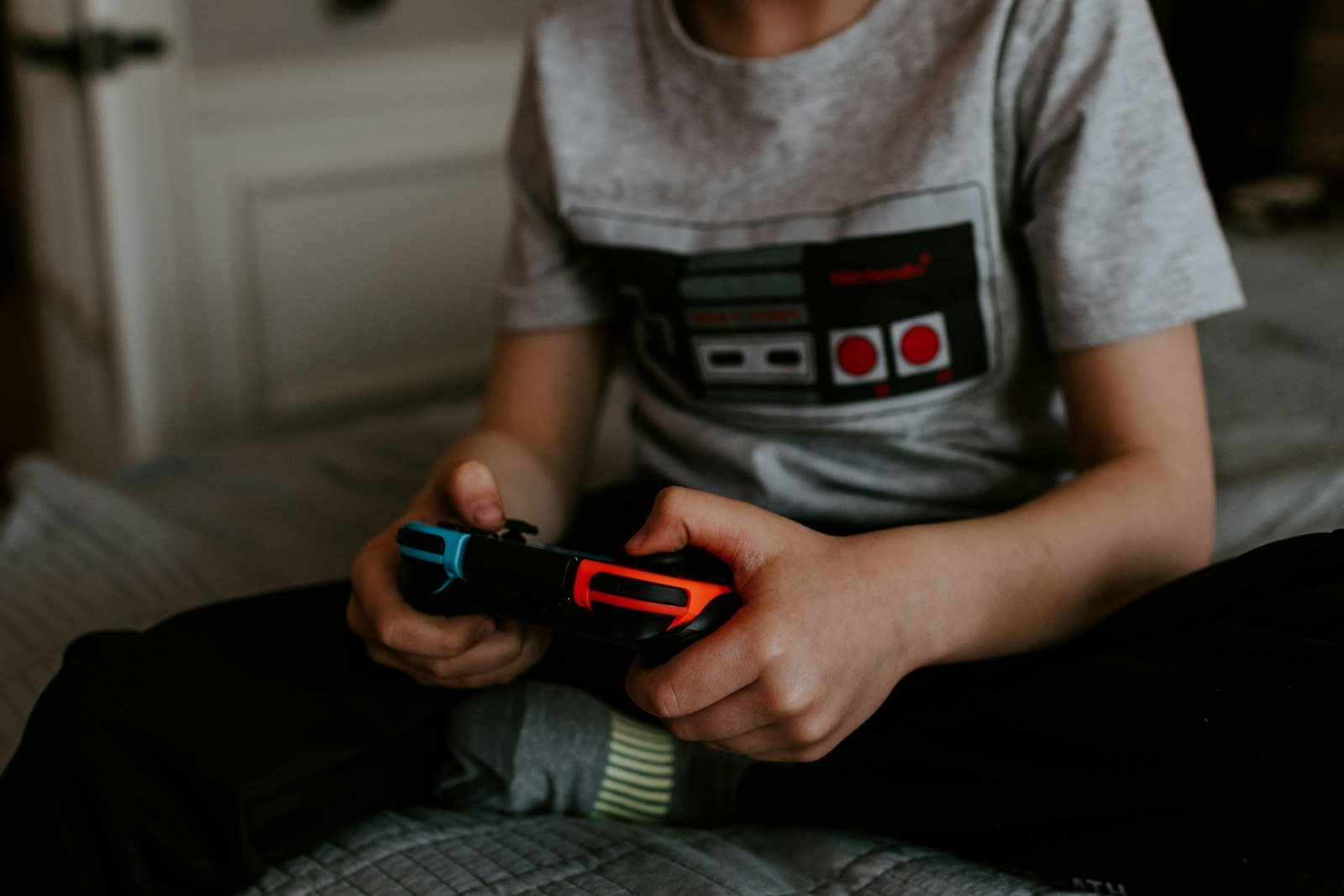 Photo by Kelly Sikkema on Unsplash
Roblox's daily active users grew to 123 million in Q2 2026 — for most families with a kid on Android, it's not a question of whether Roblox is installed, it's what's actually happening inside it. (Roblox Corporation, Q2 2026 Shareholder Letter)
What Roblox actually is
Roblox isn't one game — it's a platform hosting millions of separate, user-made "experiences," anything from simple obstacle courses to elaborate roleplay worlds, built by other players using Roblox's own free creation tool (Roblox Studio). One account carries a kid across all of it: their avatar, their friends list ("Connections"), and their balance of Robux, Roblox's own virtual currency, which is bought with real money and spent on in-experience items, passes, and upgrades. That range of who-built-what is exactly why "is Roblox safe" doesn't have one answer — it depends entirely on which experiences your kid is actually playing.
Why it's so famous
Free to install, playable on Android, iOS, PC, and consoles, and with a library that's constantly refreshed because anyone — including other kids — can publish a new experience with Roblox Studio at no cost. That combination (free, cross-platform, an endless stream of new user-made content, and a social layer of friends and in-game currency) is what's driven it to 123 million daily users, with especially fast growth recently in markets like India and Japan. It also means the platform's own incentives point toward more content and more engagement, not fewer experiences to review — which is why Roblox's safety approach leans so heavily on account-level settings rather than manually vetting everything published. (Roblox Corporation, Q2 2026 Shareholder Letter)
What safety controls does Roblox have for kids?
Content is rated per-experience, not per-app. Every experience gets a content maturity label — Minimal, Mild, Moderate, or Restricted — based on things like violence, language, and romantic themes. Account type determines which labels a kid can even see: a Roblox Kids account (ages 5-8) is limited to Minimal and Mild, a Select account (ages 9-15) adds Moderate, and Restricted is only reachable on a standard account with age verification for 18+. An account set up as "older" than your kid actually is unlocks a wider content ceiling by design — this one setting does more than any other control on this page. (Roblox Support, Content Maturity Labels)
A linked parent account runs the actual dashboard. Parental controls aren't a toggle inside your kid's own account — you create your own Roblox account, link it to theirs, and set a Parental PIN. The PIN matters more than any individual setting: without it, your kid can go into their own Settings and undo everything below. Once linked and PIN-protected, the dashboard covers screen time limits (including scheduling hours when Roblox is inaccessible entirely, not just a daily cap), a monthly spending limit with purchase notifications, and Connections — reviewing and removing exactly who your kid can message and play with. For a Kids or younger Select account you set these directly; once a Select account turns 13, your kid takes over day-to-day chat and content choices while you keep visibility on connections, screen time, and spending. (Roblox Support, Parental Controls Overview)
Two real gaps worth knowing, since they don't show up in any settings menu. First: "free Robux" offers — sites, videos, in-game giveaways — are always a scam, no exception, since Robux only exists on Roblox's own servers and can't be generated by an outside tool. The scam is almost always a fake "log in to verify" page or a QR code built to steal the account, not the currency itself. Second: private, invite-only experiences exist specifically to dodge the content-rating system above — researchers have documented "condo"-style private servers hosting content that violates Roblox's own rules, precisely because an invite link isn't discoverable through normal search or account-level filters the way a public experience is. (London School of Economics, Media@LSE, December 2025) Neither of these is fixed by a setting; both are worth saying to your kid directly, the same as you would about a stranger's link on any other platform.
How can Paxio help with Roblox?
Everything above runs inside Roblox, for Roblox. It doesn't know or care whether the phone has been on since before breakfast, whether Roblox is the fifth app your kid opened after a 9pm cutoff, or whether it's the middle of a school night at all — that's a device-level question, not something Roblox's own dashboard is built to answer.
Screen time limits and app blocking in Paxio work the same way for Roblox as for every other app on the device — so the Roblox-specific settings above aren't the only thing standing between "on for twenty minutes" and "on all night."
Frequently asked questions
Is Roblox safe for kids?
It depends on the experiences your child plays and how the account is set up. Roblox has content maturity labels and parental controls, but private servers and scams sit outside those settings.
How do I set up Roblox parental controls?
Create your own Roblox account, link it to your child's, and set a Parental PIN. From there you can manage screen time, spending limits and who they can connect with.
Can I limit how long my child plays Roblox?
Roblox has its own time controls, and a device-level tool like Paxio can limit Roblox alongside every other app or block it entirely.
See why families choose Paxio if you're looking for ongoing controls beyond a one-time settings check.