What to do if your child is cyberbullying someone else
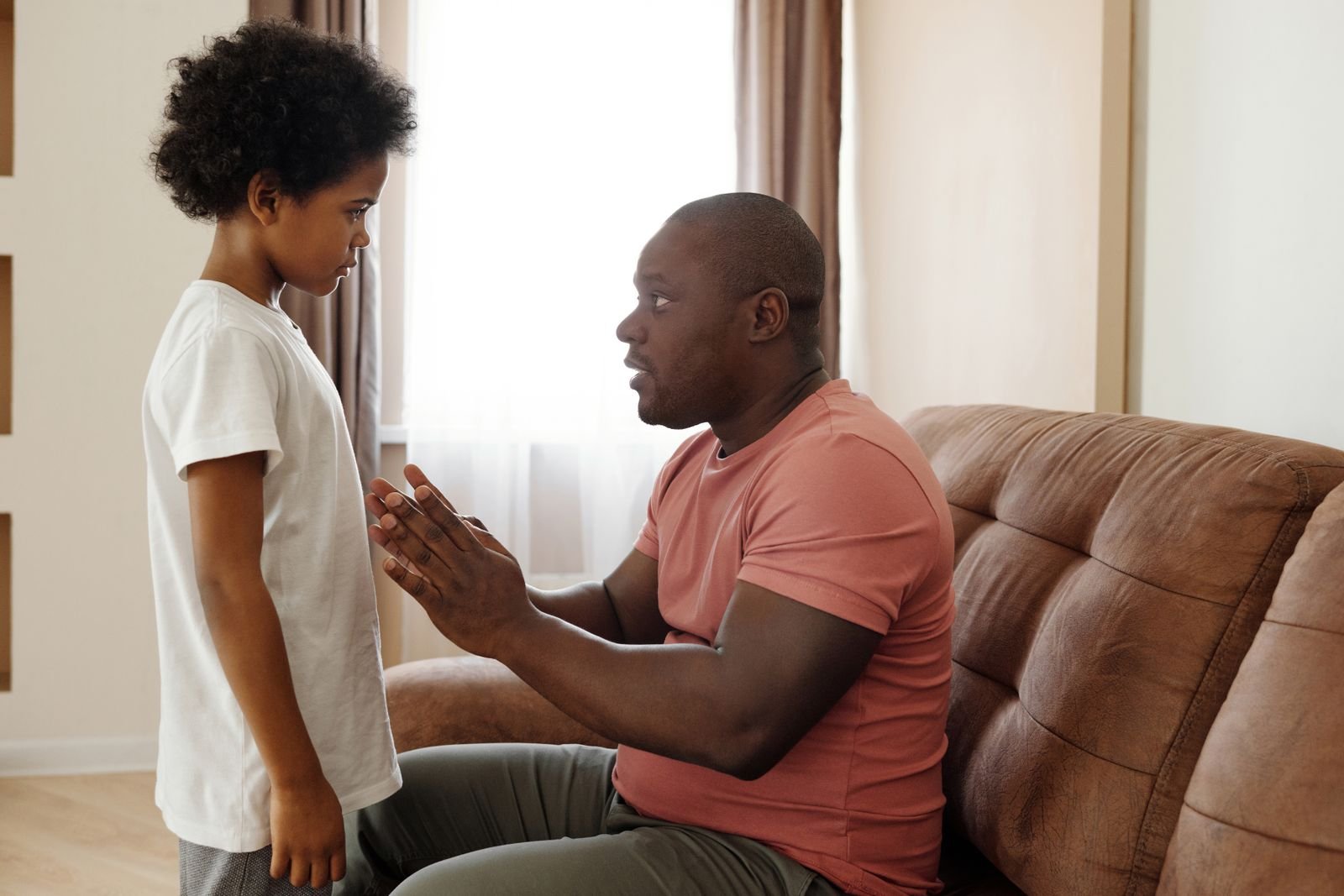
If you find out your child is cyberbullying someone, stay calm, get the full story before you punish, talk about why it happened, and help your child put it right. Treat it as behaviour that can change, not proof that your child is a bad person. The US government’s Stopbullying.gov advises handling cyberbullying like any other bullying: support the child who was hurt, address your own child’s behaviour, and make clear it is taken seriously.
It is a hard thing to hear. Most parents feel shock first and defensiveness second. Both are normal, and neither should be the first thing your child sees.
How should you react when you first find out?
Do not confront your child while you are angry. Take a few minutes, read what was actually sent, and keep screenshots. Check whether it was one thoughtless message or a pattern. Our guide to what cyberbullying looks like explains that repeated behaviour is what separates bullying from a single bad moment.
Get the story from more than one place if you can: the school, the other family if they have already contacted you, and your child. Listen without blame first. A child who feels attacked will mostly try to protect themselves, and you will learn less.
Why would a child bully someone online?
There is rarely one reason. Some kids copy what their group does, some want to fit in or avoid becoming the target themselves, and some are dealing with something else, such as stress at school or trouble at home. Stopbullying.gov notes that children can act out because of what is going on in their lives. Understanding the reason does not excuse the behaviour, but it tells you what needs fixing.
Screens add to the problem because there is no face to see. Hurt is easy to miss when the other child is a username.
What should you say to your child?
Open with calm and curiosity, then be clear. For example: “I saw what was posted about [name]. I’m not here to shout. I want to understand what happened, and then we need to put it right.”
- Do: ask what happened and how it started, ask how they think the other child felt, and say plainly that it is not acceptable.
- Avoid: labels like “bully” that make a child defensive, accepting “it was just a joke”, and comparing them with a sibling.
What consequences actually help?
Pick consequences that connect to the harm and that your child can understand:
- Take down the posts or messages, and stop contact if that is what the other child needs.
- A sincere apology, if it is safe and the other child’s family agrees. A forced apology can backfire.
- A temporary, agreed limit on the app involved, with a date to review it.
- A task that builds empathy, such as writing about how the other child might have felt.
Taking the phone away for months is easy to do and rarely teaches anything. In our view, a short, clear limit that ends with a review works better than an open-ended ban.
When should the school or a counsellor get involved?
If classmates are involved or the other family has complained, work with the school rather than around it, and ask what support it offers both children. If the behaviour repeats, or your child seems angry, anxious or withdrawn, talk to a school counsellor or your child’s doctor. If your child is at risk of harming themselves or someone else, call 112 straight away.
How do you stay involved online without spying?
Set house rules about what is okay to post and who your child talks to, and tell your child you will check in. Agree it together, not behind their back. Stopbullying.gov says monitoring tools can help, but that they work best alongside open conversations that keep trust intact.
Where does a tool like Paxio fit?
Paxio can support the consequence you agree on: blocking the app where it happened, a daily time limit, or a bedtime lock. It does not read messages or posts, so it cannot show you what your child wrote or tell you whether the behaviour has stopped. That part still depends on talking to your child and staying in touch with the school.
About the author: Naveenkumar Arulmani is the founder of Paxio, an Android parental control app for screen time limits, app blocking and content filtering. We build Paxio, so we are not neutral, and where it does not help we say so.
Frequently asked questions
Is my child a bully if they sent one mean message?
One mean message still needs a conversation, but bullying is usually defined by repeated harm to someone over time. Treat a single incident as a chance to teach, and watch for a pattern.
Should I take my child’s phone away?
A short, specific limit can make sense, such as pausing the app involved. A long open-ended ban usually teaches little. Agree the consequence with your child and set a date to review it.
Can a child get into legal trouble for cyberbullying in India?
Some online behaviour, such as threats, blackmail, impersonation or sharing intimate images, can be a crime, and the police may become involved even when a child is responsible. We are not lawyers, so speak to one if a complaint has been filed.